



What You Need to Know About Phishing Links and Social Media
GUEST POST.
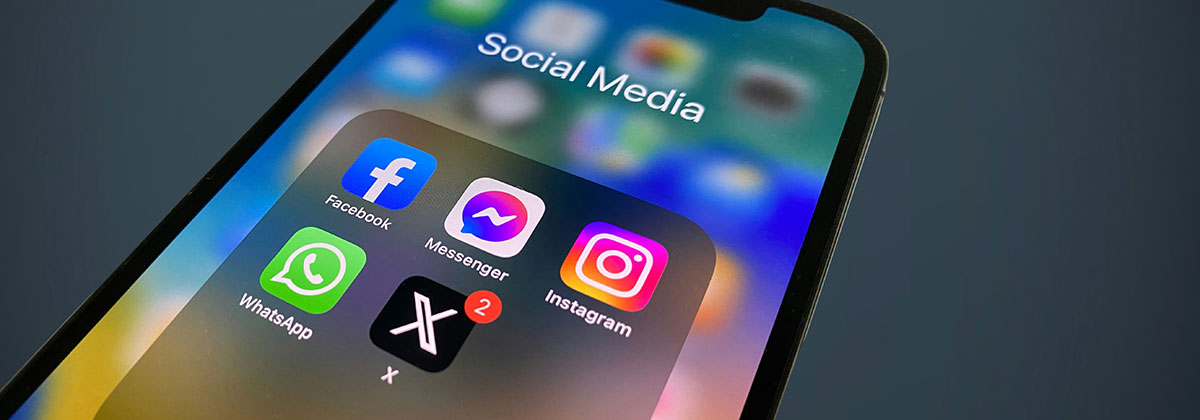
Image Photo by Julian Christ on Unsplash
Cybercriminals often stage phishing attacks through emails, texts, and phone calls. But links on social media can leave you and your information just as vulnerable.
The average person spends over 2 hours on social media every day, giving phishers plenty of opportunity to try their luck.
The Phishing Threat on Social Media
Social media has given cybercriminals new methods of attack. The simplicity of scam emails and texts means they've become easier to spot. But the amount of personal records available online gives scammers a wealth of information to use against you.
Targeted phishing attacks can play on the community element of social media. Instead of receiving messages from unknown senders, you may encounter communications that imitate close contacts or brands you know and trust. Imposter profiles are rife across platforms such as Facebook, Instagram, and even LinkedIn.
How Phishing Links Target You on Social Media
As with scam phone calls or emails, phishing links on social media are usually embedded into what seems like genuine content. These phishing attacks may come in the form of direct messages from individual accounts or posts on your feed.
Clickbait tactics are often used. Amazing headlines, tempting offers, and urgent calls to action will try to entice or scare you into action. The post or message is the Trojan horse, but the link is what will do the damage.
Clicking can redirect you to a fake website designed to coax sensitive information out of you. Alternatively, the link might download and install malware on your device, which will also compromise your data.
Best Practices for Phishing Prevention on Social Media
There are basic things you can do to avoid falling victim to a phishing link:
- Verify all senders or accounts before interacting. Check the profiles of individuals and companies if you don't recognise them. Even if it appears to be someone you know, make sure it's actually them.
- Check suspicious links before opening. You can use a link-checking tool online or hover over the URL before opening it to see the destination.
- Review your privacy settings. You can control who can see your social media profiles and, therefore, who can interact with you.
- Report and block suspicious profiles. You'll be doing yourself and your fellow users a favour.
What to Do if You Click on a Phishing Link
The panic can quickly set in once you realise: "I clicked on a phishing link." But noticing you have is far better than not. At least you can still do something about it. The following steps could help you avoid the worst repercussions:
- Don't enter any details wherever the link takes you.
- Disconnect your device from the internet. You'll have more time to investigate and hopefully stop hackers in their tracks.
- Run a security scan to reveal any infections on your device and remove them.
- Change your passwords on a different device. This isn't always necessary, but it's better to be safe than sorry.
Stay Safe While on Social Media
This information should help you avoid phishing scams on social media or, if it's too late for that, limit the damage caused. Stay alert – you never know where the next threat might come from.
This is a guest post and therefore these are not necessarily the views of Index Digital.
#PhishingLinks #PhishingScams #IndexDigital